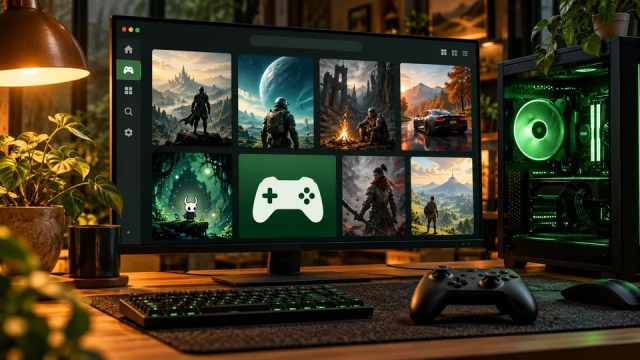
Epic’s official launcher now has a native Linux preview. Download the AppImage, make it executable, and sign in to access your Epic Games library.
Install Epic Games Launcher on Ubuntu, Debian, or Fedora
Epic supports Ubuntu 22.04 LTS or newer, Fedora 43 or newer, and Debian 12 or newer. You need a 64-bit x86-64 PC, 4 GB RAM, 2 GB of available space for the launcher, and an internet connection.
Open the official Epic Games Launcher download page and select Download for Linux. Save
EpicGamesLauncher-x86_64.AppImagein your Downloads folder.
Select Download for Linux to get the AppImage. Open a terminal and run these commands to make the AppImage executable and start it. This uses the AppImage directly; there is no
.debpackage to install. If you saved the file somewhere else, open a terminal in that folder instead of using the first command.cd ~/Downloads chmod +x EpicGamesLauncher-x86_64.AppImage ./EpicGamesLauncher-x86_64.AppImageWhen the welcome screen appears, select Get started.

Select Get started on the first launch. Select Sign in. Your browser opens so you can sign in to your Epic Games account, then return to the launcher.

Sign in using your existing Epic Games account. Open Library to see your games. Choose a game that supports your Linux setup. Windows-only games may need a compatibility layer.

Your Epic Games library after signing in.




Keep the AppImage to launch it again later. If you get a FUSE error, follow the AppImage FUSE instructions for your distribution.
Fortnite is coming to Linux
Epic announced on October 14, 2026 that Fortnite is coming to Linux through the Epic Games Launcher. It is not available to play locally on Linux yet. Epic is rebuilding Easy Anti-Cheat and working with Linux distribution maintainers before bringing the game over.
Read Epic’s launcher announcement and its Linux anti-cheat announcement.